Manufacture, Work Order
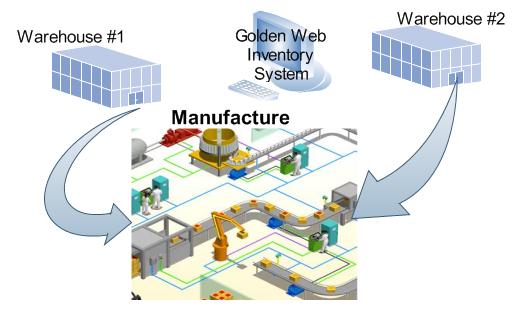
Golden Web Inventory System uses Work Orders for tracking manufacture and creating of assemblies and kits.


Click the Work Order button in the left toolbar . You enter a new assembly product created in your company, components, date , quantity used on the Work Order form . You can create the new work order from a previous saved Bill of Material. You will be prompted if the product isn't enough in your warehouse. Click the Save button and print the Work Order. GWIS will decrease on hand amount of components entered in the Work Order and increase amount of assembly product. All your staff know available product- for-sale inventory at all times.