Shipping, Invoice
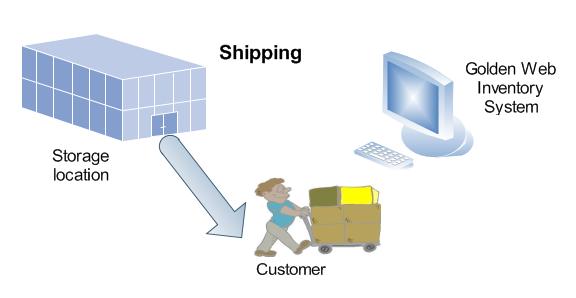
Golden Web Inventory System uses Invoices for tracking sales and shipping to your customers.


Click the Invoice button in the left toolbar . You enter a customer, items, date , quantity shipped on the Invoice form . You will be able to control the On hand amount for any product selected in invoice using the drop down product list. You will be prompted if the product isn't enough in your warehouse. Click the Save button and print or send by email the Invoice. GWIS will decrease on hand amount of products entered in the invoice. All your staff know available product- for-sale inventory at all times.