|
|
Golden Inventory Synchro |
|
Purchase Order |
Another inventory software Content Top Previous Next |
|
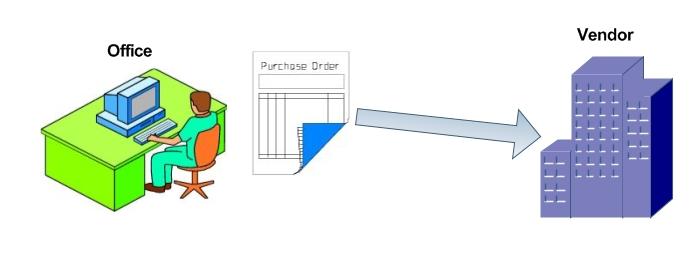
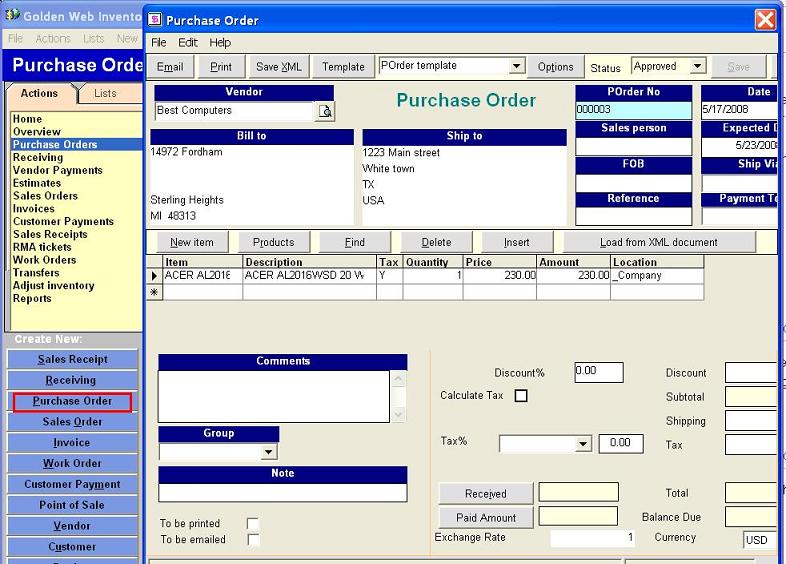
Golden Inventory Synchro uses Purchase Orders as a way to track the merchandise that you need to purchase from your vendors Sending a Purchase Order to a supplier constitutes your offer to buy products. To create the purchase order, click on the button Create New: Purchase Order and enter the required products.
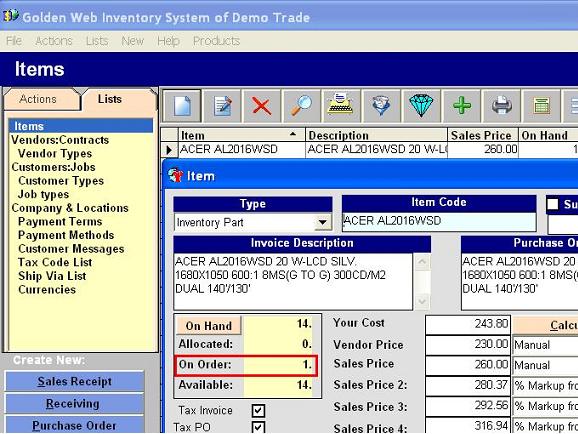
Then, open the Products List and select the product entered in the Purchase Order. Double click this row. The product dialog box will appear and , you will see the number of the ordered product in the field "On Order".
|