|
|
Golden Inventory Synchro |
|
Receiving |
Another inventory software Content Top Previous Next |
|
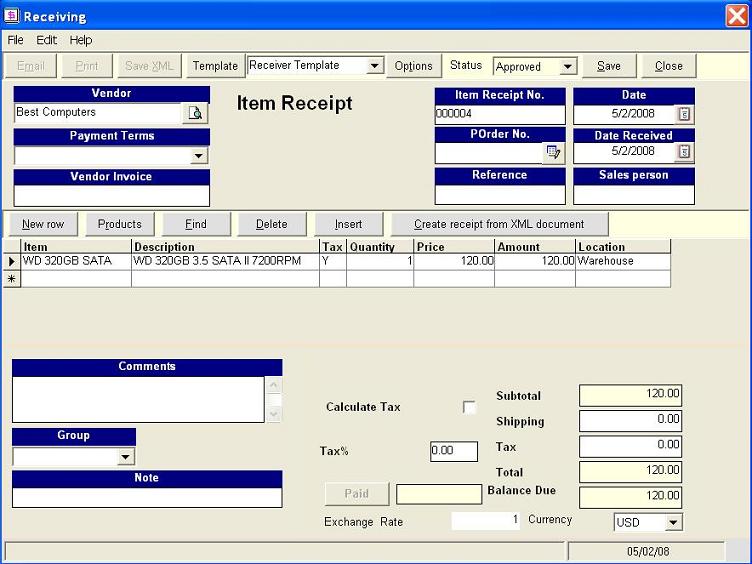
Once the ordered products is received from the vendor, click on the Create New: Receiving button to create a Item receipt. Use the field POrder No. for downloading information from Purchase Order. This will reflect the field "On Hand" in the Products List with the received figures of the ordered products and meanwhile, will update the figures of the "On Order" field at the Item edit form.
|