|
|
Golden Inventory Synchro |
|
Payment |
Another inventory software Content Top Previous Next |
|
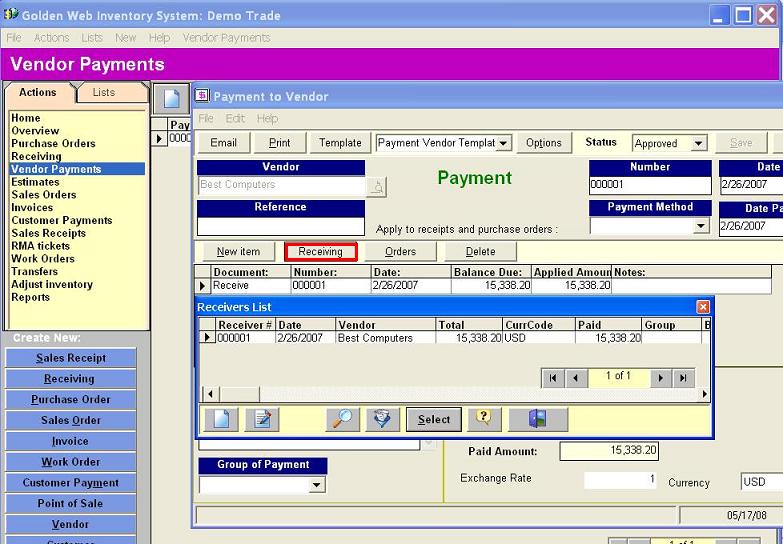
When it is time to pay to a vendor against the received products,select Payment to Vendor in the left menu and click on the button New. Enter the vendor and click the button Receiving. Select the appropriate Item Receipt and fill out the payment details.
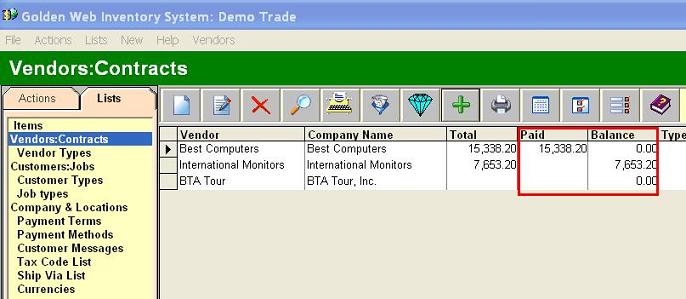
This payment will also update the Paid and Balance columns in the Vendors List.
|